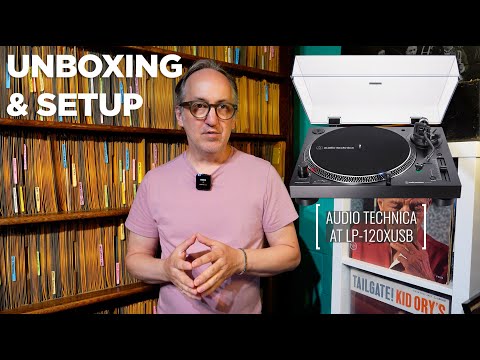
The Audio Technica AT-LP120XUSB turntable is one of the most widely recommended turntables to buy if you are interested in playing 78 rpm records on a modern setup.
Recently I helped a friend of mine overseas obtain one – and had it in the jazz bunker for a few days to test and play with. I decided to make a video to help him set it up correctly – and share it with you in case you’re thinking of buying an AT-LP120 and needed some help.
In this video, I unbox an AT-LP120XUSB turntable, go over how to set it up correctly, and how to hook it up to your computer via a USB cable to make digital copies of your 78 rpm records using the free software Audacity.
Audacity can be downloaded for free at:
https://www.audacityteam.org/
In part two of the video, I will demonstrate the digital transfer process and share samples made from a few different 78 rpm records using different sized stylii and different output methods.
Enjoy!
Leave a Reply