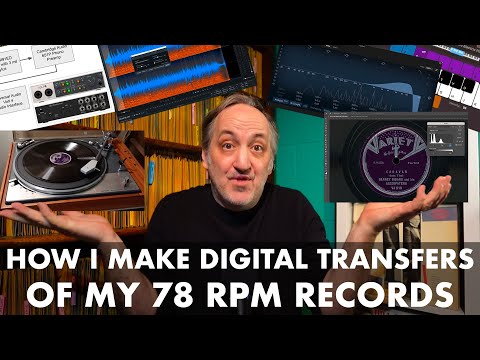
If you’ve ever wanted to make digital transfers of 78 rpm records in your collection to listen to on modern devices (or make YouTube videos of your own), this video will walk you through my process so you can see what is involved.
I’ll take you step-by-step as I demonstrate how I created a digital transfer of “Caravan” by Barney Bigard and his Jazzopaters released on the Variety label in 1937.
If you have any suggestions, questions, or thoughts on my process – please leave a comment!
0:00 Intro
2:07 Step 1: Clean the Record
3:04 My Signal Chain
8:14 Step 2 – Digitize the Record
10:09 My Philosophy on Digital Transfers
11:35 Step 3 – De-clicking (RX Elements)
19:26 Step 4 Trimming the Clip (Apple Logic)
23:14 Step 5: Adjusting Play Speed
29:29 Step 6: Audio Corrections (EQ, Gain, Summing to Mono)
49:19 Step 7: Scanning the Label
51:11 Step 8: Scan Corrections (tone, color, retouching)
1:05:56 Step 9: Making the Video (Adobe Premiere)
1:08:57 Comparison of Raw and Final Transfer
1:10:21 Final Remarks
The final transfer of this record:
https://youtu.be/M17eZcf_hOw
Link to the site I referenced with information on equalization and EQ curves:
https://midimagic.sgc-hosting.com/mixphono.htm
Software I Use:
RX Elements
https://www.izotope.com/en/shop/rx-elements/
Apple Logic Pro
https://www.apple.com/logic-pro/
Adobe Photoshop
https://www.adobe.com/products/photoshop.html
Adobe Premiere
https://www.adobe.com/products/premiere.html
Epson Perfection V600 Photo Scanner:
https://epson.com/For-Home/Scanners/Photo-Scanners/Epson-Perfection-V600-Photo-Scanner/p/B11B198011
USB Audio Interface
Universal Audio Volt4
https://www.uaudio.com/uad-plugins/volt-4-usb.html
Leave a Reply